Satisfying Ball Physics
for TikTok & Reels
Create mesmerising bouncing ball simulations for free with customisable physics, rainbow effects, and 10 unique modes. Export as MP4 in TikTok-ready vertical format — no sign-up or software needed.
Game Modes
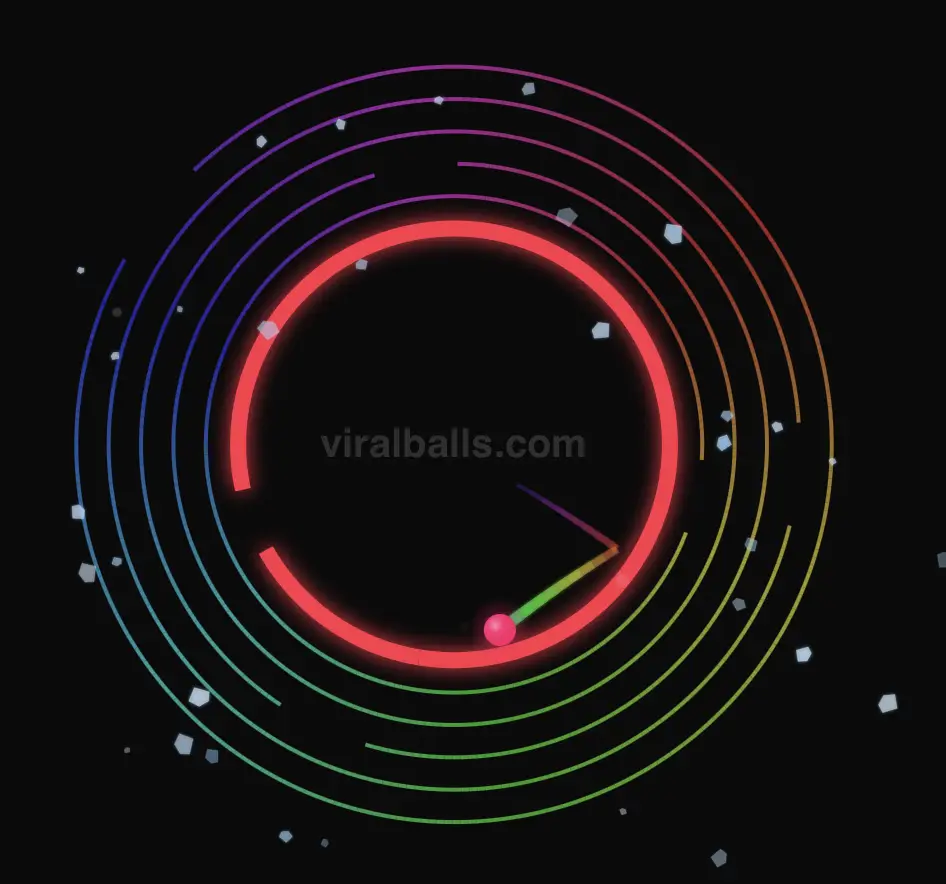
Classic
A ball bounces inside concentric circles, each with a gap. As it breaks through walls, satisfying effects play. Simple, mesmerising, and endlessly watchable.
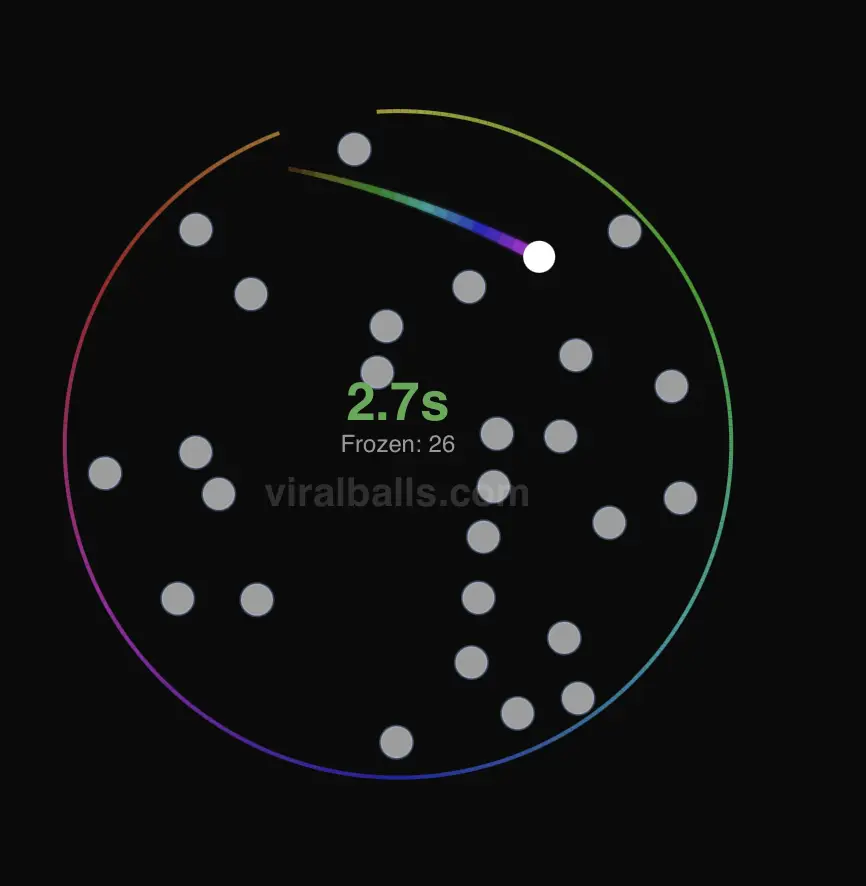
Accumulation
The ball has a limited time to escape before it freezes in place. Each frozen ball becomes a new obstacle for the next one. Can the final ball make it out?
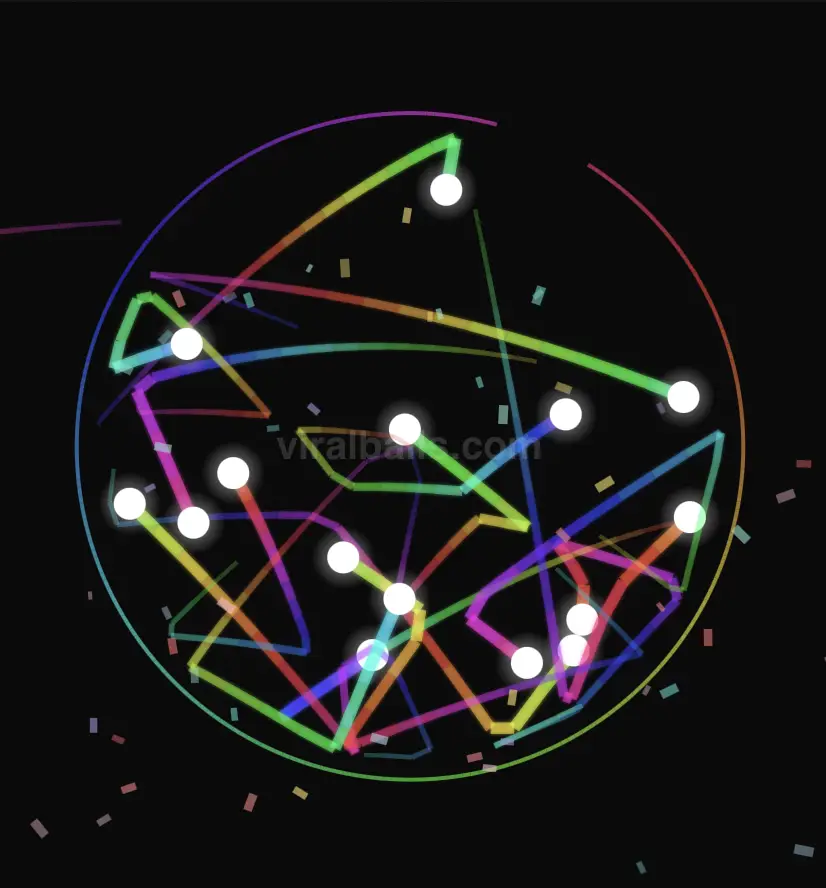
Multiply
Every time a ball escapes a wall, it spawns extra balls. The arena quickly fills with bouncing chaos — perfect for explosive, shareable clips.
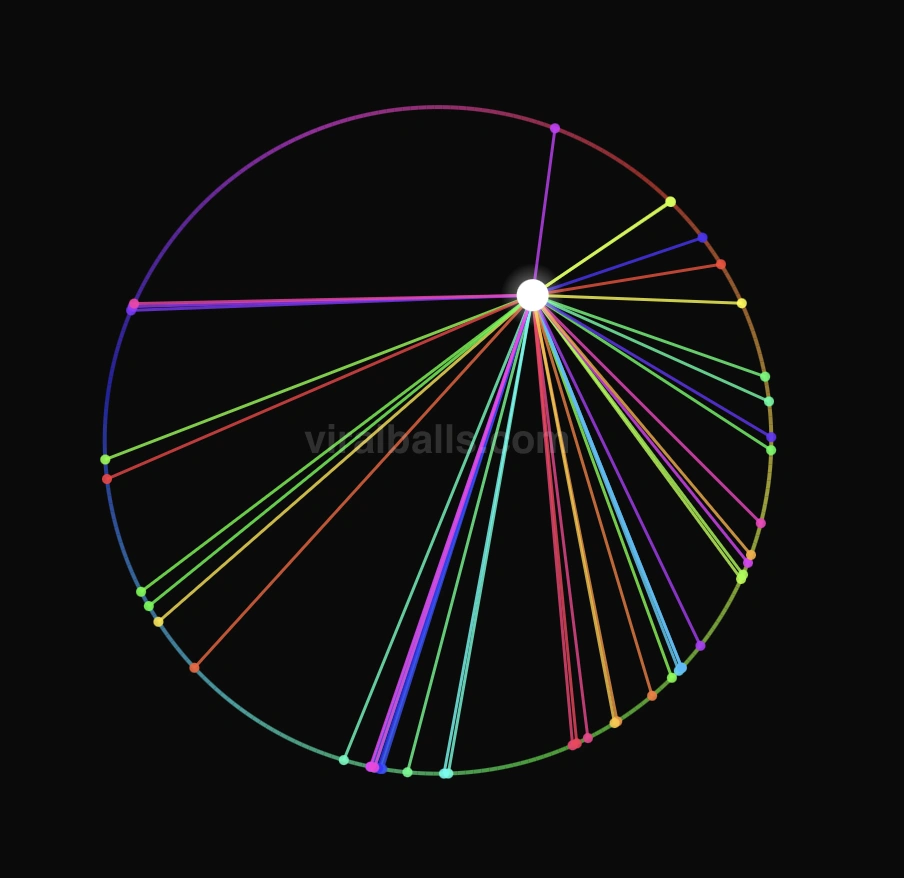
Lines
Every bounce point is connected by a line, creating intricate geometric art as the ball ricochets around the circle.
Paint
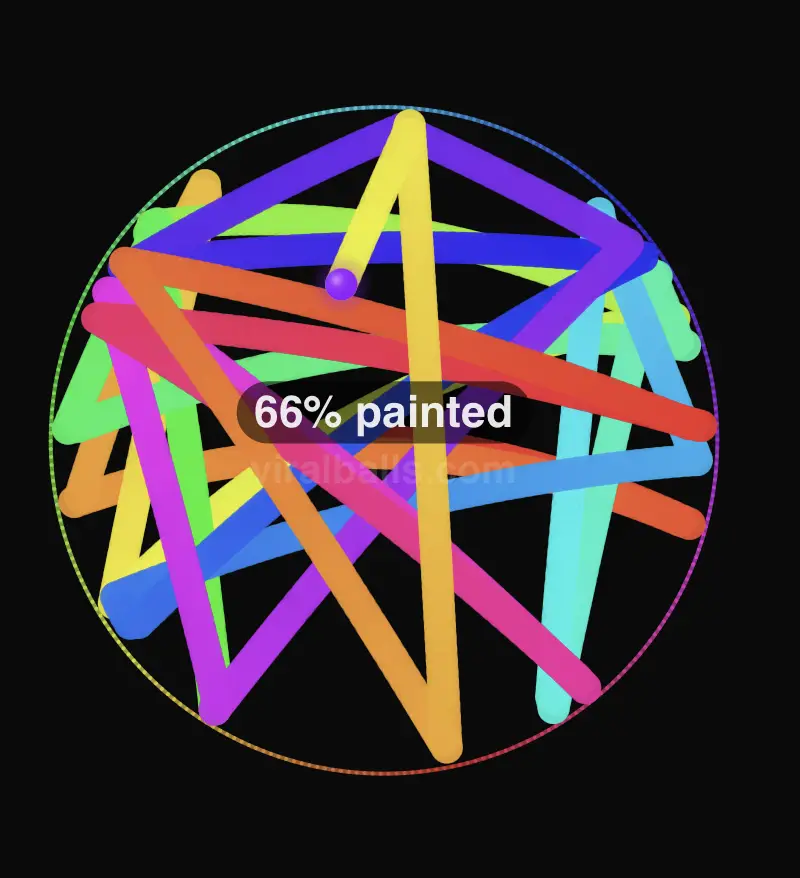
The ball leaves a colourful rainbow trail as it moves, gradually painting the entire circle. A live percentage counter tracks your coverage.
Target
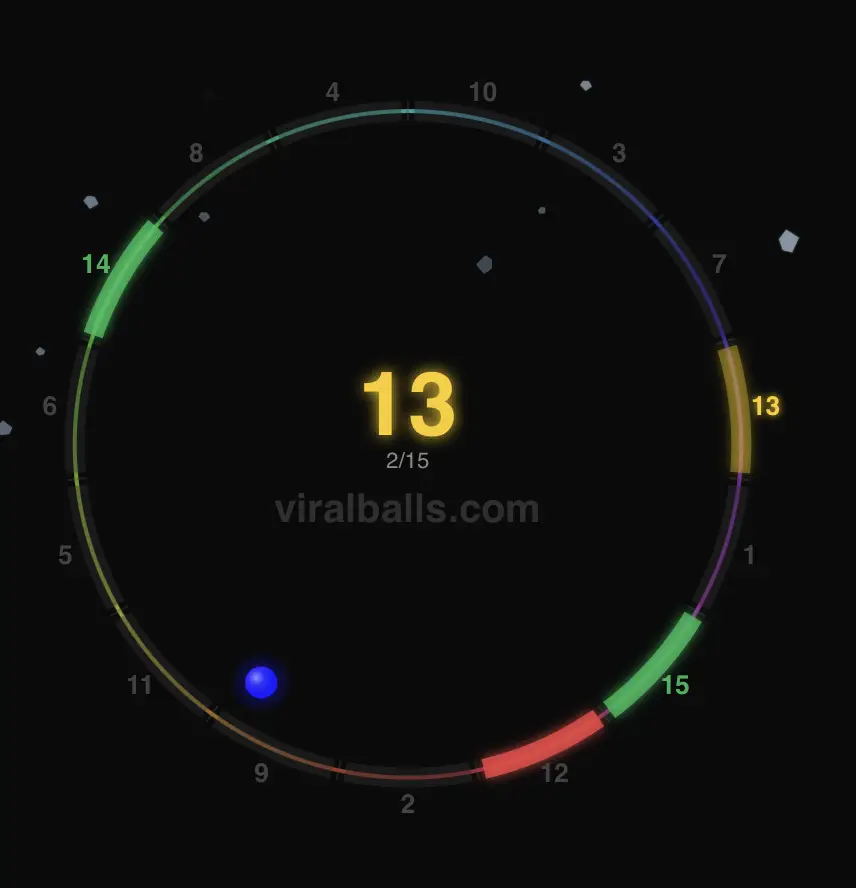
Numbered segments line the wall. The ball must hit them in the correct order — each correct hit triggers a satisfying wall-break effect.
Grow
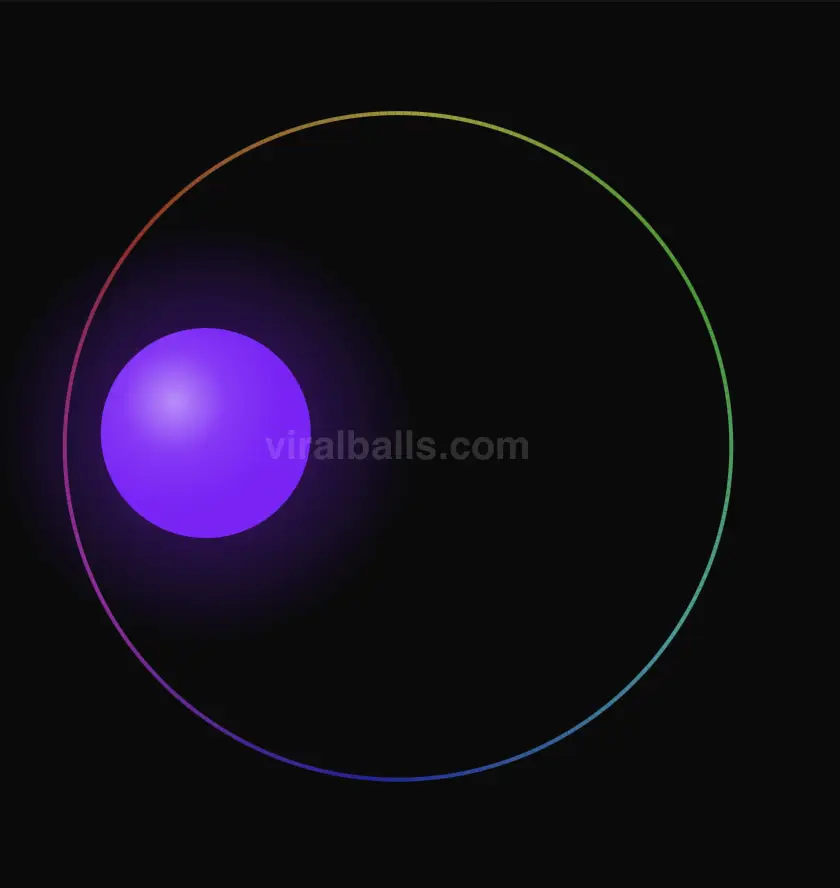
The ball is trapped in a single large circle. With every bounce, it grows larger, pushing the limits of the space until the very end.
Shatter
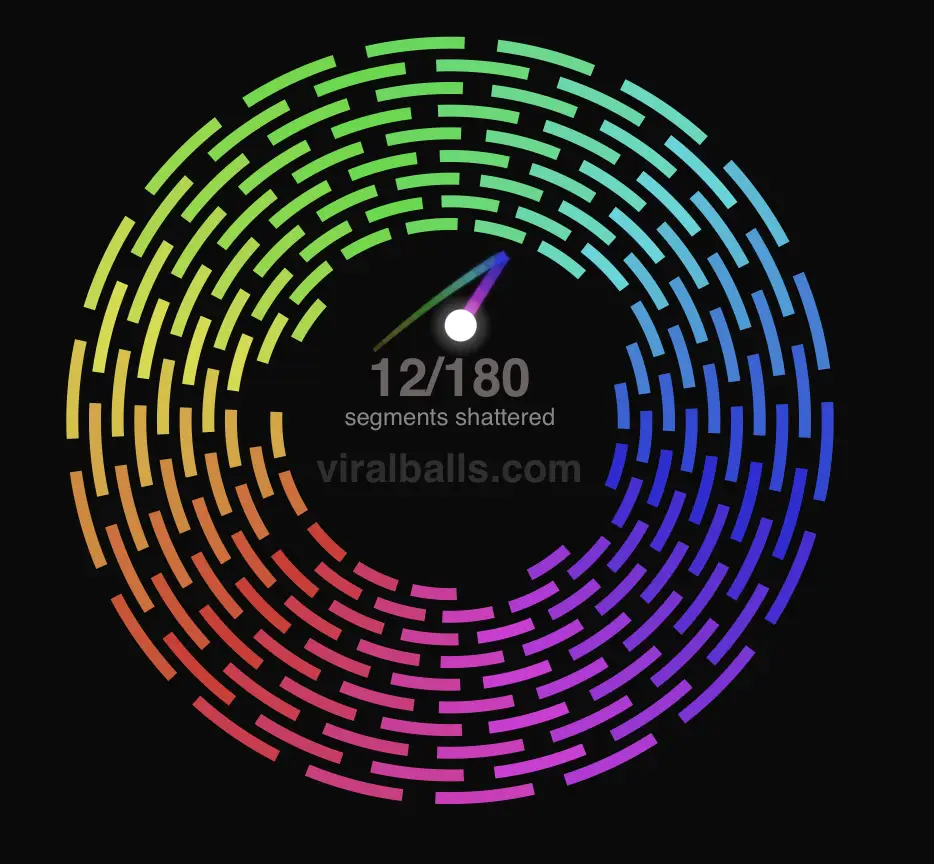
Every wall is divided into segments with hit points. Each bounce cracks the segment — after enough hits it shatters. Clear a path through all walls to escape.
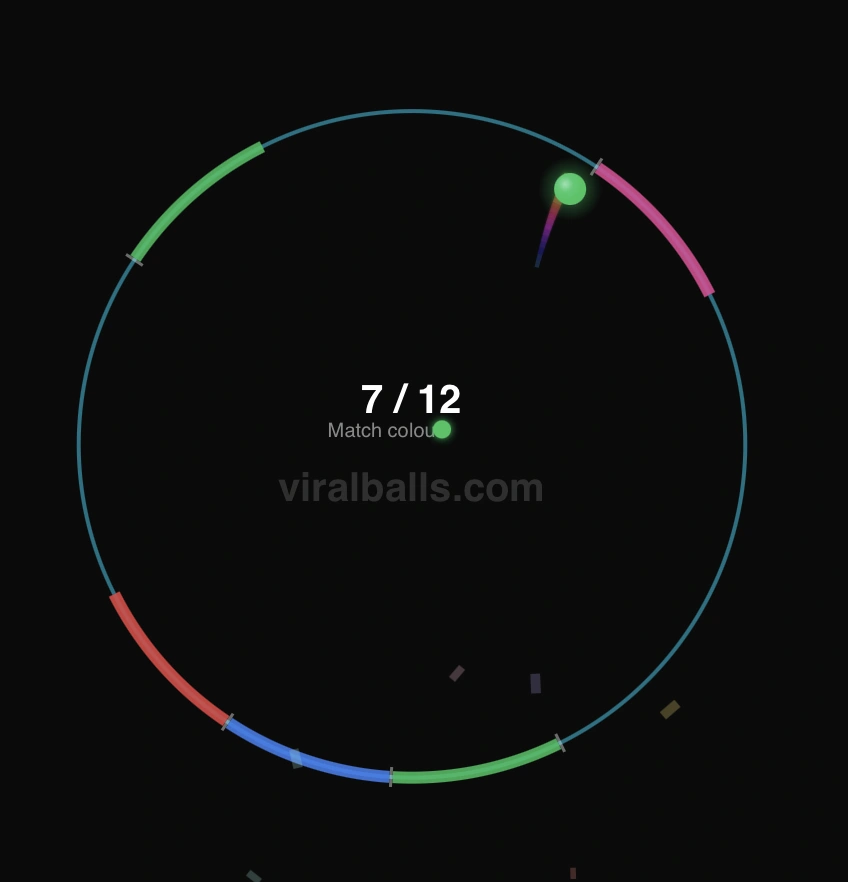
Color Match
The wall is divided into coloured segments. The ball changes colour on every bounce — break the segment when your colour matches. Clear them all to escape.
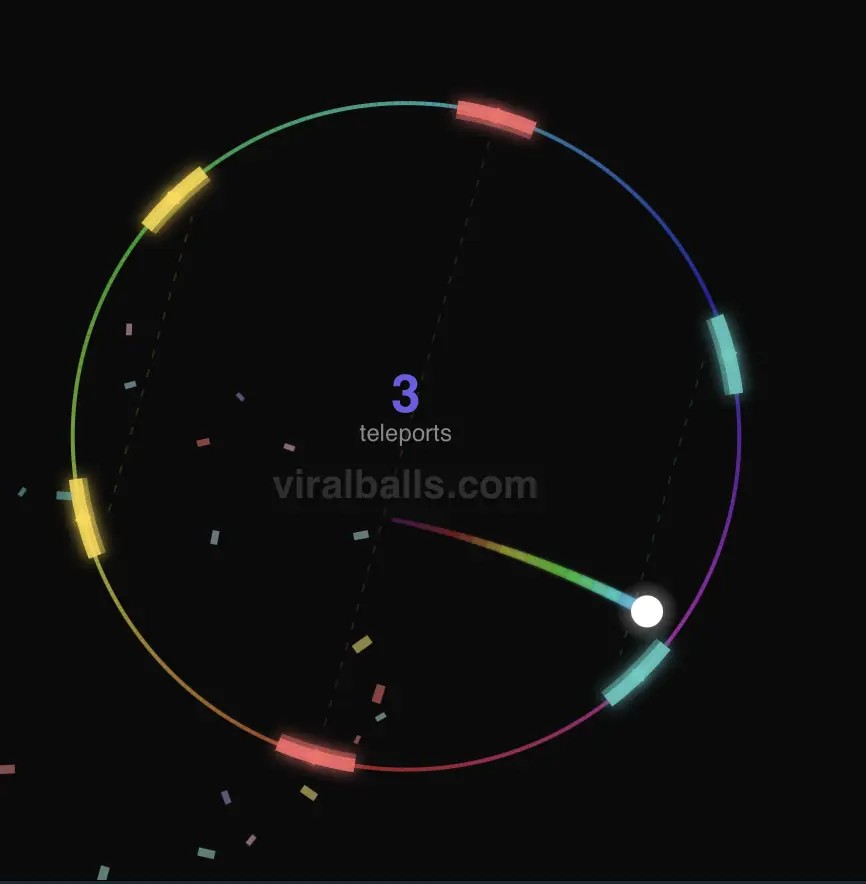
Portal
Colour-matched portal pairs sit on the wall. Hit one portal and teleport to its twin — after enough uses the portals break and the ball escapes.
What ViralBalls actually is
ViralBalls is a browser tool for making the bouncing-ball videos that keep showing up on TikTok, Reels, and YouTube Shorts. You pick a mode, change a few settings, press record, and download a clip. There is no account to create, nothing to install, and no editing software in the loop. The whole thing runs in the tab you already have open, so you can go from idea to finished video in a couple of minutes.
The format itself is simple, which is exactly why it works. A ball bounces inside a ring. The ring has a gap. Every time the ball slips through, something pays off: a wall shatters, the ball splits into more balls, a colour floods the screen, a target gets hit. Your brain wants to know how it ends, so you keep watching. That tiny loop of tension and release is the engine behind millions of views, and ViralBalls hands you the controls to build it yourself instead of hoping a clip from someone else fits your idea.
Ten modes, one canvas
There are ten modes, and each one tells a different kind of story. Classic is the one most people picture: a ball working its way out through breakable rings. Multiply turns a single ball into a swarm. Accumulation freezes balls in place until the last one has to thread a maze of its own making. Paint, Target, Grow, Shatter, Color Match, Lines, and Portal each change the rules in their own way. You switch between them with one click, and the canvas updates straight away, so trying all ten takes about as long as reading this paragraph.
Built to be tweaked
The look is yours to shape. Add more wall layers for a longer build-up, or fewer for a fast payoff. Turn on rainbow walls for that premium gradient feel. Switch the break effect between confetti, shatter, and a shockwave, or stack all three. Drop in spikes for danger, a glow for polish, and a colour trail so fast motion reads as intentional rather than messy. You can paste your own image onto the ball, add a text hook like "will it escape?" across the top, and load a custom sound so the bounces land on a beat. Small changes matter here. A different break effect or one extra ring can be the difference between a clip people scroll past and one they watch twice.
Record, export, post
When the simulation looks right, you record it in the browser and export a video sized for vertical feeds. No screen-capture app, no watermark you did not ask for, no re-encoding in a separate program. If you land on a combination you like, save it as a preset and reuse it for a whole series. A lot of accounts post the same mode every day with small variations, and presets make that kind of consistency painless.
Why build it yourself
You could grab a clip someone else made and repost it. Plenty of accounts do. The problem is that the algorithm has seen that exact video a hundred times, and so has your audience. When you build the run yourself, you control the hook, the colours, the pacing, and the moment it pays off. You can match a clip to a trending sound, drop your handle on it, and post a fresh version every day without ever repeating yourself. Original runs also sidestep the reused-content flags that quietly cap reach on most platforms. The effort is small and the upside is real: your videos look like yours, not like everyone else's.
No learning curve
The first time you open the simulator, the defaults already produce a satisfying clip worth posting. From there you change one thing at a time and watch what happens. Add a ring. Swap the break effect. Turn the glow up. Because the canvas updates as you go, you learn what each setting does by using it, not by reading a manual. Within a few sessions you will have a feel for which combinations land, and that instinct is the part that actually grows an account.
Who it is for
Most people using ViralBalls are creators chasing reach without a budget. You do not need a camera, a studio, or any design background. You need an idea for a hook and a few minutes to tune the physics. Teachers use it to show motion and collisions in a way students actually watch. Plenty of people open it just to mess around, because a ball smashing through rings is fun on its own. The tool does not care which camp you fall into. The controls stay the same.
Free, and private by default
ViralBalls is free to use. Your presets and settings live in your own browser, not on a server somewhere, and the videos render on your machine. There is no sign-up wall between you and a finished clip. If you want to go deeper on a specific mode or pick up settings that tend to perform well, the blog breaks down each one with examples. And if something feels off or you wish a setting existed, the feedback page goes straight to the person building it.
How It Works
Pick a Mode
Choose from 10 unique simulation modes — classic bouncing, paint trails, shatter, color match, grow, and more.
Customise Everything
Tweak physics, colours, effects, text overlays, and ball appearance until it looks exactly how you want.
Export & Share
Record your simulation as an MP4 in any resolution — including vertical TikTok format — and share it with the world.
Every control, explained
This is the simulator layout: a live canvas on the left, the controls panel on the right. The numbers on the mockup match the steps beside it.
A simplified view of the simulator screen.
- 1
Pick a mode
Open the Mode row in the controls panel and choose one. Classic, Multiply, Accumulation, and seven more. The mode sets the rules, so it is the first thing to decide.
- 2
Open a section and tweak it
Ball, Wall, Visual, and Sound each expand when you click them. Change the wall count, the break effect, the colours, the trail. In a hurry? Type a setting name into the search box at the top.
- 3
Press Start
Hit Start simulator on the canvas to run it. The defaults already look good, so you can start straight away and adjust once you see it move.
- 4
Get the run right
While it plays, use Restart to reroll, Pause to hold a frame, and the speed buttons (1x to 8x) to skip ahead. Space pauses, R restarts. Reset until the timing lands the way you want.
- 5
Set length and size
Open the Recording section to choose how long the clip runs and its resolution. 1080x1920 is the vertical size that fits TikTok, Reels, and Shorts.
- 6
Record, and it downloads
Press Record video. It captures the run with sound and saves an MP4 to your device. Found a setup you like? Save it as a preset and reuse it for a whole series.
What each control does
Features & Customisation
Wall Break Effects
Choose from confetti, glass shatter, shockwave, or all at once. Every time the ball breaks through a wall, a satisfying visual effect plays.
Rainbow Walls
Walls cycle through rainbow colours with two styles — a smooth gradient across all walls, or a reactive pulse that flashes colour on each hit.
Ball & Wall Glow
Toggle a radial glow around the ball and a flash effect on walls independently. Each can be enabled or disabled for the look you want.
Colour Trail
The ball leaves a vibrant, hue-shifting trail behind it as it moves, adding a dynamic streak of colour to every simulation.
Reactive Background
The background pulses and shifts colour in response to ball bounces, making every hit feel more impactful.
Increasing Bounciness
The ball gets bouncier with every wall hit, accelerating until it eventually breaks free. Bounciness resets when it escapes.
Custom Ball Image
Upload your own image to replace the ball — logos, faces, emojis, anything. The image scales and moves with the ball.
Text Overlays
Add custom top and bottom text with adjustable size — perfect for adding captions, branding, or calls to action to your videos.
Spikes
Add inward-pointing spikes to the outer wall. The ball must dodge them while bouncing — great for raising the stakes in accumulation mode.
Video Export
Record your simulation as an MP4 in multiple resolutions including vertical TikTok format (1080×1920). Set duration from 10 to 120 seconds.
Save & Load Presets
Save your entire configuration — mode, colours, physics, effects — to local storage. Load it back instantly to reproduce or share your setups.
Custom Watermark
Add your own watermark text that displays in the centre of the circle. Perfect for branding your exported clips.
Custom Sound
Pick from a library of iconic melodies — every wall hit plays the next note of the song. Turn your simulation into a musical performance.
Frequently Asked Questions
Blog
Tips, tutorials, and ideas for creating viral physics content.
Every ViralBalls Mode Explained — And Which One Gets the Most Views
A deep dive into all 10 ViralBalls game modes with recommended settings, visual breakdowns, and tips for picking the right mode for your next viral video.
10 Satisfying Ball Physics Video Ideas That Go Viral
Struggling for content ideas? Here are 10 proven ball physics video concepts — with exact settings — that consistently rack up millions of views on TikTok, Reels, and Shorts.
Ball Bouncing Simulator – Free Online Physics Sandbox
Discover ViralBalls, a free browser-based ball bouncing simulator with realistic physics, multiple game modes, and built-in video export. No downloads required.